

Google Cloud Penetration Testing: A Practical Guide to Testing GCP



Quick answer: Google Cloud penetration testing is an authorized security test of the projects, identities, data and workloads your organization runs on Google Cloud Platform (GCP), including IAM, service accounts, Cloud Storage, Compute Engine, Google Kubernetes Engine, Cloud Run and Cloud Functions. Testers look for misconfigurations, excessive permissions and exploitable weaknesses, safely prove what an attacker could reach and explain how to fix it. Google does not require you to notify it before testing your own projects, but tests must follow the Google Cloud Acceptable Use Policy and Terms of Service and affect only your own resources.
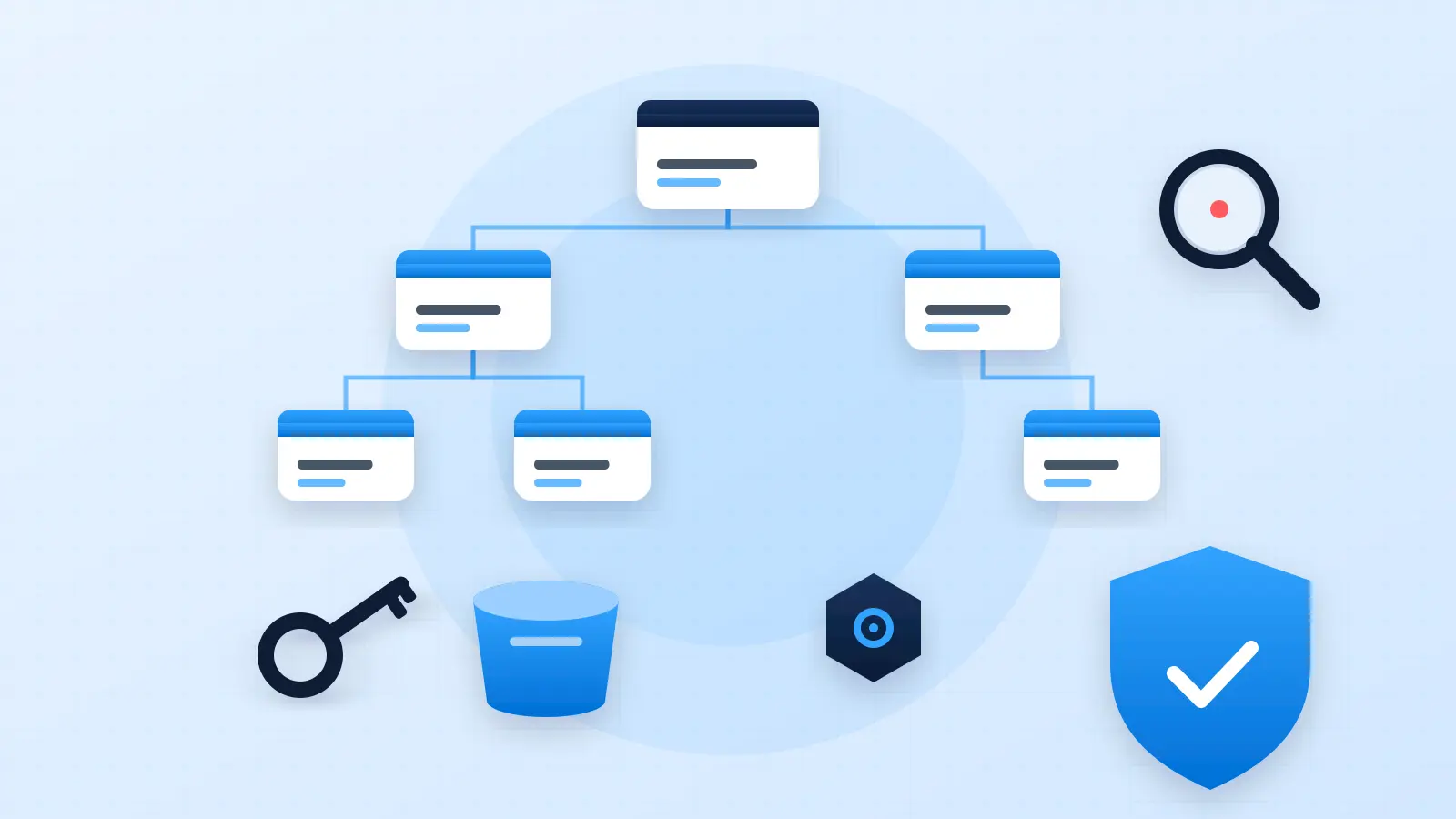
Google Cloud is built differently from other cloud platforms. Its resource hierarchy of organizations, folders and projects, its IAM model and its heavy use of service accounts create attack paths that a generic network test will miss. A single over-privileged service account or a public storage bucket can expose far more than one server.
This guide explains what a GCP test covers, the rules you must follow, the most common findings, how a test works and how to prepare. For a broader introduction, see our guide to types of penetration testing.
What Is Google Cloud Penetration Testing?
Google Cloud penetration testing, also called GCP penetration testing, applies real attacker techniques to your Google Cloud environment under agreed rules. It focuses on the parts you control under the shared responsibility model: IAM policies, service accounts, network settings, storage, application code and the services you deploy. Google secures the underlying infrastructure; you are responsible for configuring and using it securely.
The output is a prioritized list of proven weaknesses with evidence, business impact and clear remediation steps, followed by a retest to confirm fixes.
Google's Rules for Penetration Testing
Google keeps its rules simple. You do not need to request permission or notify Google before testing your own projects, but you must:
Follow the Acceptable Use Policy and Terms of Service: testing must not break Google Cloud's published policies.
Affect only your own projects: tests must not impact other customers or Google's shared infrastructure.
Avoid disruptive testing: denial-of-service, traffic flooding and resource exhaustion tests are not allowed.
Have written authorization: third-party testers need documented permission from the owner of the projects being tested.
Policies can change, so confirm the current wording before each engagement and reference it in your rules of engagement. Our guide to penetration testing scope explains how to document boundaries clearly.
Why GCP Needs a Dedicated Testing Approach
Hierarchical IAM: permissions granted at the organization or folder level flow down to every project beneath it, so one broad grant can reach many workloads.
Service accounts everywhere: workloads, pipelines and automation use service accounts, and many hold more rights than they need.
Default settings: older projects may still use the default Compute Engine service account with broad roles.
Impersonation paths: users who can impersonate or create keys for a service account can inherit its permissions.
Fast change: new projects, buckets and firewall rules appear constantly, so risk shifts between reviews.
What a Google Cloud Penetration Test Covers
| Area | What testers look at |
|---|---|
| Resource hierarchy and IAM | Roles granted at organization, folder and project level, primitive roles such as Owner and Editor, and custom roles |
| Service accounts | User-managed keys, impersonation rights, default service accounts and their roles |
| Cloud Storage | Buckets readable or writable by allUsers or allAuthenticatedUsers, signed URLs and retention settings |
| Compute Engine | Exposed ports, OS Login settings, project-wide SSH keys and access to the metadata server |
| Google Kubernetes Engine | Cluster access, Workload Identity, node service accounts and network policies |
| Cloud Run and Cloud Functions | Unauthenticated invocation, environment variables, attached service accounts and application flaws |
| Data services | BigQuery datasets, Cloud SQL instances and Firestore access controls |
| Networking | VPC firewall rules, public IPs, shared VPC and connections to on-premises networks |
| Secrets | Secret Manager access and secrets left in code, build logs or environment variables |
| CI/CD | Cloud Build triggers, build service accounts and Workload Identity Federation for external pipelines |
Common Google Cloud Penetration Testing Findings
Primitive Owner or Editor roles granted to many users or service accounts.
Broad roles granted at the organization or folder level that reach every project.
User-managed service account keys stored in code repositories or shared drives.
Users who can impersonate powerful service accounts or create new keys for them.
Workloads still using the default Compute Engine service account with broad access.
Cloud Storage buckets open to allUsers.
Firewall rules allowing SSH or RDP from anywhere on the internet.
Cloud Run services or Cloud Functions that can be invoked without authentication when they should not be.
Secrets stored in plain environment variables instead of Secret Manager.
Audit logging gaps that would hide attacker activity.
Most of these are configuration and identity issues. That is why Google Cloud penetration testing concentrates on how permissions combine rather than only scanning for software vulnerabilities.
How a GCP Penetration Test Works
Scope and authorize: agree which organizations, folders and projects are in scope, confirm written authorization and reference Google's policies.
External reconnaissance: identify public applications, APIs, storage buckets, load balancers and IP addresses tied to your projects.
Unauthenticated testing: look for exposed data and services an outsider could reach without credentials.
Authenticated testing: starting from a limited user or service account, map IAM bindings and look for routes to higher privilege.
Validate attack paths: safely prove the most important chains, for example from a vulnerable Cloud Run service to a service account with project-wide rights.
Check detection: confirm whether Security Command Center, Cloud Logging alerts or your SIEM flagged key activity.
Report and retest: document findings with evidence and fixes, then retest after remediation.
For more on each phase, see our guide to penetration testing methodology.
Service Account Attack Paths
Service accounts sit at the center of most serious GCP findings. Testers look at who can act as each service account, who can create keys for it, which resources run with it attached and what roles it holds. A developer with permission to deploy a Cloud Function, for example, may be able to attach a more powerful service account to that function and run code with its rights. Similarly, a leaked key for a build service account can give an attacker access to production projects.
Mapping these relationships is one of the most valuable outcomes of Google Cloud penetration testing, because the paths are rarely visible in the console. The same identity-first thinking applies to internal networks, as explained in our guide to internal penetration testing.
Applications and APIs on Google Cloud
Applications running on Cloud Run, App Engine, GKE or Compute Engine need standard application testing for authentication, authorization, input validation and business logic. In the cloud, an application flaw such as server-side request forgery can be used to request access tokens from the metadata server and move into the control plane. Combining cloud configuration review with web application penetration testing and API penetration testing gives a complete picture.
Tools Used in GCP Penetration Testing
gcloud CLI: for authorized enumeration of projects, IAM bindings and resources.
Prowler and ScoutSuite: to check configurations against security best practices.
Security Command Center findings: as a starting point that testers validate and extend.
Kubernetes tooling: such as kubectl and kube-bench for GKE clusters.
Standard web testing tools: such as Burp Suite or ZAP for applications and APIs.
Tools find candidates; experienced testers decide what is exploitable and how issues chain together. Our guide to penetration testing tools covers this in more depth.
Testing Across Multiple Clouds
Many organizations run workloads in more than one cloud. Each platform has its own identity model, resource structure and testing rules, so a test of one does not cover the others. If you also use Microsoft Azure or AWS, see our guides to Azure penetration testing and AWS penetration testing. Pay special attention to the links between clouds, such as Workload Identity Federation, shared CI/CD pipelines and synchronized identities, because attackers can use them to move from one environment to another.
Google Cloud Penetration Testing and Compliance
PCI DSS, SOC 2, HIPAA, ISO 27001, HITRUST and other frameworks expect organizations to test the systems that handle sensitive data. When that data lives in GCP, Google Cloud penetration testing provides independent evidence that your controls work and that findings were fixed. Google's platform certifications cover its infrastructure, not your configuration, so they do not replace testing your own projects. Our overview of penetration testing compliance requirements explains what each framework expects.
How to Prepare for a GCP Test
List the organizations, folders and projects in scope, and note any exclusions.
Confirm written authorization from the project owners.
Create test users or service accounts with the starting access you want assessed.
Share architecture diagrams and identify the most sensitive datasets and buckets.
Agree testing windows, emergency contacts and stop conditions.
Decide whether your security team will be told in advance or detection will be measured.
Plan time to fix findings and book a retest.
Remediation Priorities After a GCP Test
Replace primitive roles: swap Owner and Editor for narrowly scoped predefined or custom roles.
Review inherited grants: remove broad roles at organization and folder level where project-level access is enough.
Lock down service accounts: avoid user-managed keys, restrict impersonation and stop using default service accounts for workloads.
Use organization policy constraints: for example to block public bucket access and service account key creation.
Close exposed services: tighten firewall rules and require authentication on Cloud Run and Cloud Functions where appropriate.
Centralize secrets: move credentials into Secret Manager with tight access.
Improve logging and alerts: enable the audit logs you need and alert on IAM changes and key creation.
Fix the shortest routes to high privilege first. Our guide to penetration testing remediation shows how to organize the work.
How Often to Run Google Cloud Penetration Testing
Run Google Cloud penetration testing at least once a year and after major changes, such as a new project structure, a large application launch, a migration of sensitive data or an acquisition. Because GCP environments change quickly, many teams pair annual testing with continuous configuration monitoring and on-demand tests. Privaxi's AI pen testing platform supports ongoing coverage, and our guide to continuous penetration testing explains how it works.
Cost of Google Cloud Penetration Testing
The cost of Google Cloud penetration testing depends on the number of projects, the complexity of the IAM hierarchy, how many applications and APIs are included, whether GKE clusters and CI/CD pipelines are in scope and whether retesting is included. A single project with a few services is a focused engagement, while a large organization with many folders and shared VPCs needs more time. See penetration testing cost for the main pricing factors.
Common Mistakes to Avoid
Assuming Google's infrastructure security covers your configuration.
Testing only virtual machines and ignoring IAM and service accounts.
Leaving organization-level and folder-level permissions out of scope.
Running denial-of-service or resource exhaustion tests.
Treating an automated configuration report as a full penetration test.
Not retesting after fixes.
Frequently Asked Questions About Google Cloud Penetration Testing
What is Google Cloud penetration testing?
Google Cloud penetration testing is an authorized security test of the IAM, service accounts, configurations, applications and data an organization runs on Google Cloud Platform, carried out to find and safely prove exploitable weaknesses.
Do I need to notify Google before a penetration test?
No. Google does not require notification for testing your own projects, but tests must follow the Google Cloud Acceptable Use Policy and Terms of Service and must affect only your own resources.
Are denial-of-service tests allowed on GCP?
No. Denial-of-service, traffic flooding and resource exhaustion tests could affect other customers and fall outside Google's acceptable use rules.
What is the most common GCP finding?
Over-privileged identities are among the most common, especially primitive Owner or Editor roles and service accounts with broad access or exposed keys.
How long does a GCP penetration test take?
Most tests take from several days to a few weeks of testing, depending on the number of projects, applications and identities in scope, plus reporting and retesting time.
Does Security Command Center replace a penetration test?
No. Security Command Center is a useful source of findings, but a penetration test validates which issues are exploitable and how they chain together.
Final Thoughts
Google Cloud penetration testing reveals how an attacker could move from one weakness to your most sensitive data and highest privileges. Follow Google's rules, focus on IAM and service accounts, include applications and pipelines, fix the shortest attack paths first and retest to confirm they are closed.
To plan an assessment of your Google Cloud environment, explore Privaxi's cloud penetration testing services.
Related Articles




Secure Your Business's Future
Contact us today for a personalized consultation and see how we can tailor a security solution that fits your business needs perfectly.
